
mprocs: start all your project's commands at once
Lots of new toys for Xmas
Summary
mprocs is a small dev-oriented process manager that lets you run and monitor long-running processes in the background.
You install it (or just put the binary on your path), then create a mprocs.yaml file at the root of your project with your commands:
procs:
  django: uv run manage.py runserver
  tailwind: npx @tailwindcss/cli -i input.css -o output.css -w
  huey: uv run huey_consumer.py my_app.huey -k process -w 4
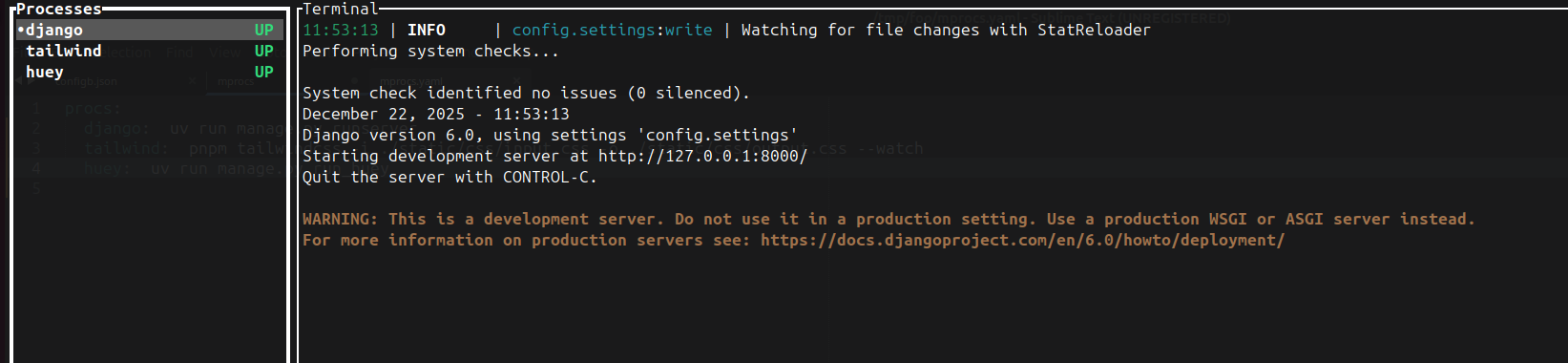
Run mprocs so that it starts all of them at once, then shows you a nice TUI to follow up.
One file to find them. One file to bring them all up. And in the background run them
I just encountered a post from Hynek mentioning mprocs, and it looked like something I wanted for a long time.
Indeed, for many of my projects, I have multiple long-running processes I need to run, like a web server, a task queue, a CSS pre-processor, and so on.
Starting and monitoring each of them in a different terminal tab every time, and restarting them when they fail, is slightly annoying. I say slightly, because we are clearly in first-world problem territory. But annoying nonetheless.
However, not annoying enough that I wanted to deal with the hassle of using tmux just for this.
Turns out mprocs is exactly what I want, and maybe that’s what you want too.
It has one simple value proposal: you define a mprocs.yaml file at the root of your project containing the commands of the long-running processes you need for development:
procs:
  command1: run your server
  command2: run your builder
  commadn3: run whatever you want really
E.G, for a Python Web project with a bit of Tailwind:
procs:
  django: uv run manage.py runserver
  tailwind: npx @tailwindcss/cli -i .input.css -o .output.css -w
  huey: uv run huey_consumer.py my_app.huey -k process -w 4
And you call the mprocs command to run them all for you at once:
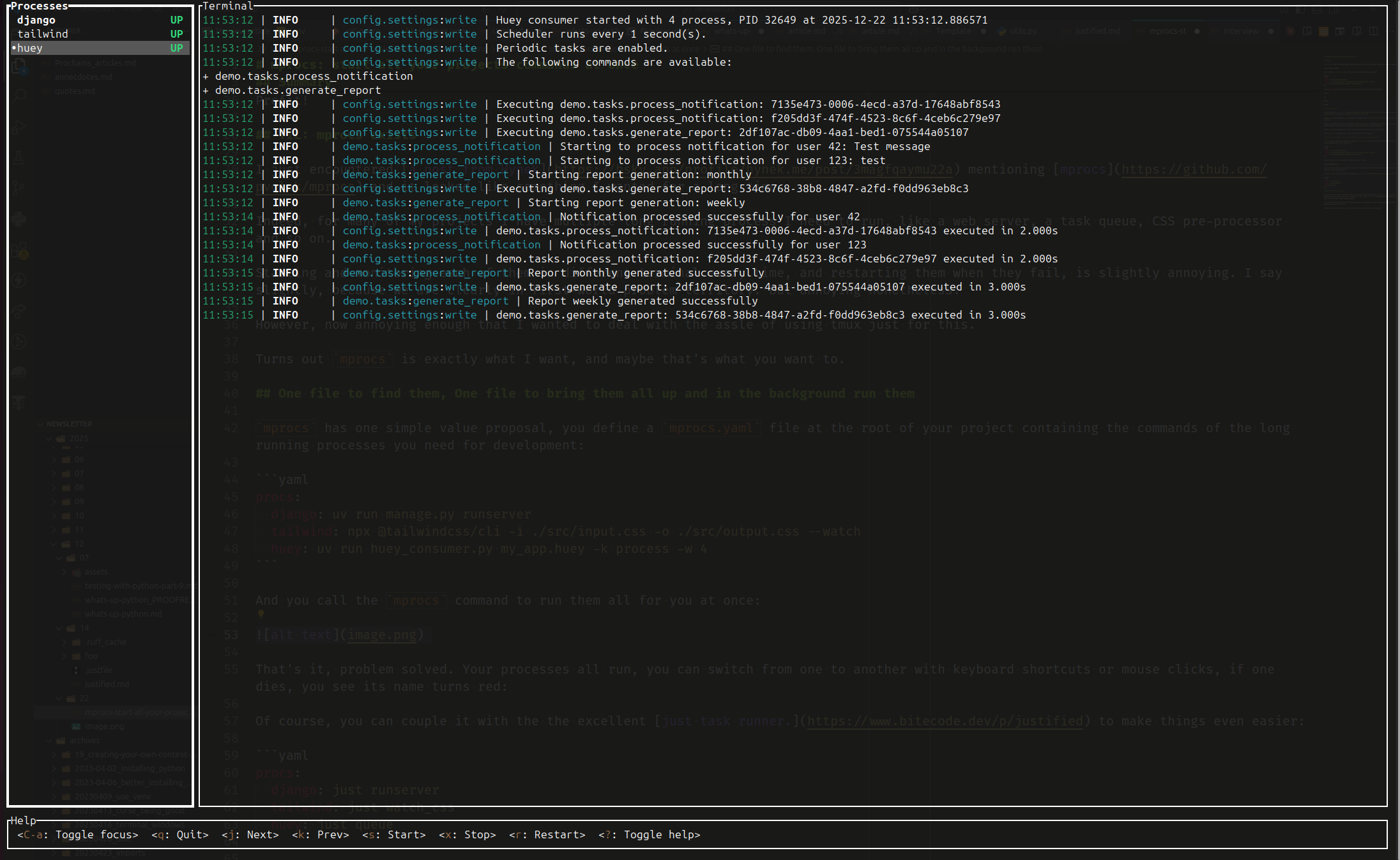
That’s it, problem solved. Your processes all run, you can switch from one to another with keyboard shortcuts or mouse clicks, if one dies, you see its name turn red:
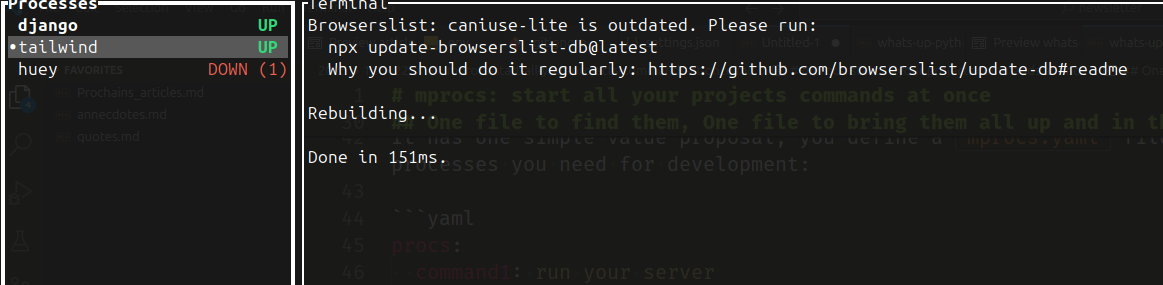
You can restart it manually with r or setup an autorestart policy.
Of course, you can couple it with the excellent just task runner. to make things even easier:
procs:
  django: just runserver
  tailwind: just watch_css
  huey: just queue
There is not much more to it
That’s going to be a short blog post for once, because that’s really it (and I’m writing this in between eating too much sugar and too much fat). Sure, you can do a bit more in mprocs configuration files. mprocs lets you define the current working directory, env variables, or select commands depending on OSes, but since just does it has well, I’d rather configure it there.
Honestly, I’m even going to hide mprocs behind just dev. I want just to be my interface to everything, so that I have only one place to look at when I switch between projects.
It’s easier for the team, and it’s also more efficient for AI agents, especially since the latter would use just but not mprocs.
Another nice Rust CLI tool I added to my PATH. There is a lot of that going on these days.
I am grabbing that!